
Apple's first foldable iPhone goes on sale from $1,999
3 min read
Technology / 3 MIN READ
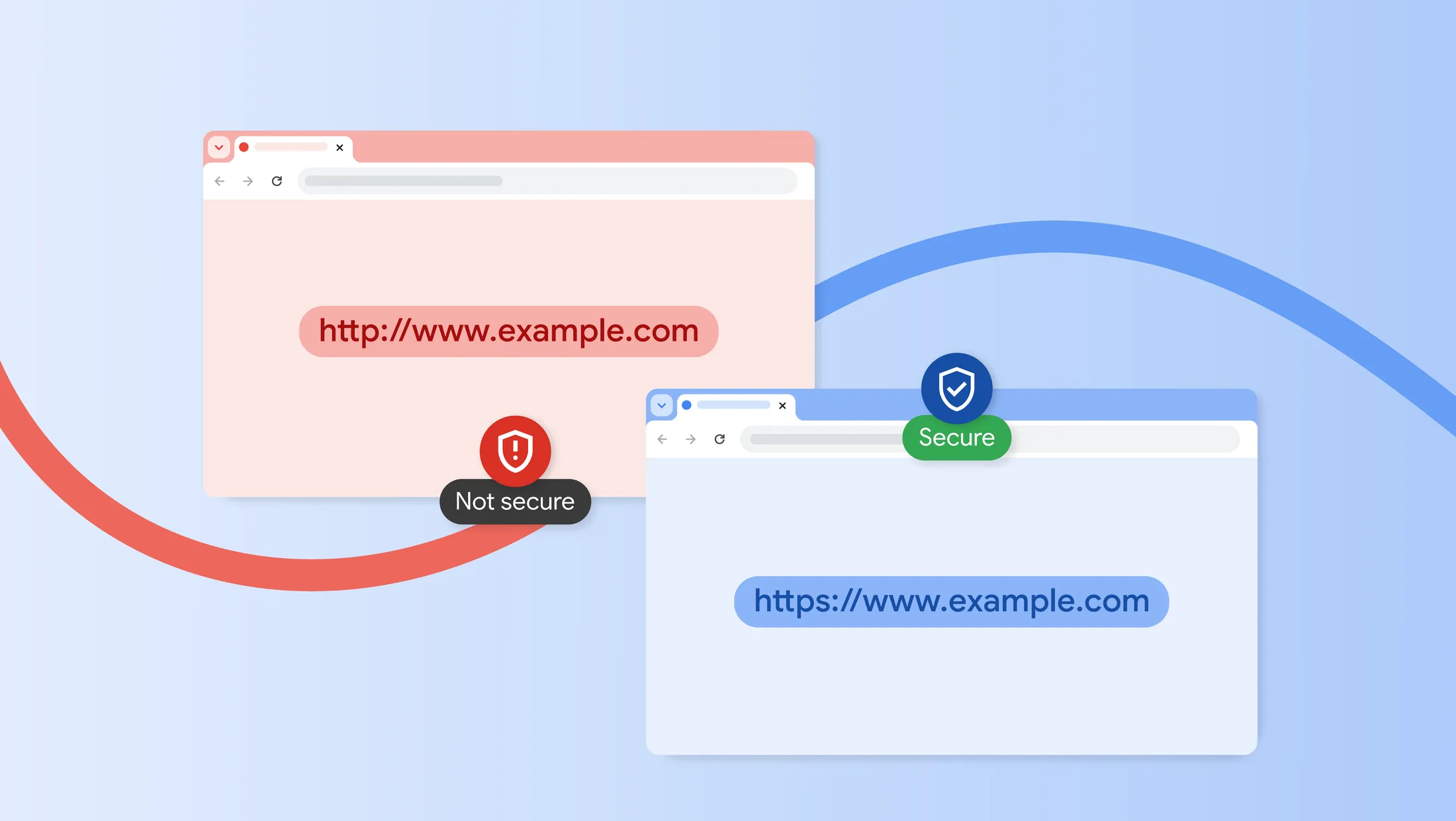
From July 2018, Chrome handled unencrypted websites by loading them first and complaining afterward, with a "Not Secure" label in the address bar, and on October 21 Google said it had reversed that order. A setting called "Always Use Secure Connections" is now on by default for all Chrome users, so the browser asks permission before it connects to a public website that lacks an encrypted HTTPS connection. It arrives with Chrome 154, released publicly on September 22, so older versions get it only after updating.
The order matters because of what HTTPS does. Over HTTPS, the connection between a device and the website is encrypted, so someone else on the same network, such as a shared Wi-Fi hotspot, cannot read or change what passes between them. Google says the old label came too late, because it appeared only after the page had loaded, when a user's data and connection may already have been exposed. Google adds that the label was easy to miss and never appeared for quick hidden hops such as redirects.
Under the new default, when someone clicks a link or types an address, Chrome first tries the site's encrypted version. If the site does not offer one, Chrome stops and shows a full-page warning asking whether to continue over HTTP. Because the question comes before the unencrypted connection is made, the user can back out. The same check catches an unencrypted redirect on the way to a secure site.
Google designed the prompt to appear rarely. Chrome asks the first time someone visits a site, and after a user agrees, it will not warn again unless that person goes at least two weeks without visiting. Local addresses such as 192.168.0.1, often used to set up home Wi-Fi routers, and single-word intranet names are exempt by default. According to Google's early rollout data, "nearly 95% of Chrome users on Desktop don't see any HTTP warnings in a given week, with less than 1% seeing 3 or more." Google's figures are unaudited and undated, with no sample size.
Google says Chrome is the first browser to make this change. Firefox, and Safari on iPhone and iPad, already try HTTPS first by default, though when a site lacks it they fall back to HTTP automatically, and each offers a warning beforehand only as an optional setting. Google has published no data on attacks the prompt has prevented, and encryption has limits of its own. HTTPS protects the connection and says nothing about whether the site itself is honest, so a scam site using HTTPS will not trigger the warning.
The decision still rests with the user. People can click through or switch the setting off in Chrome's security settings, anyone who had already chosen a setting keeps that choice, and organizations that manage Chrome can set it by policy. For most people, the change will show up as an occasional extra click on an old site that never moved to HTTPS, made before Chrome opens the unencrypted connection.
More on these ideas